Task 3: Scan Dependencies
Task
With an OCI image in place, the depsight application should be easily accessible on any workstation that hosts a container manager.
Your final task is to scan the project dependencies of the target 'fancy-fileserver' project using the built-in plugin vsce and your third-party plugin npm. Run a dependency scan with each plugin individually. Both plugins support the --as-csv option to export the discovered dependencies as a CSV file. You have to use this option for each scan so you end up with two separate CSV exports, one per plugin.
Hints
Download your OCI image
Simply use the docker cli to download your Depsight OCI image:
docker pull {YOUR_USERNAME}/depsight_npm_plugin:latest
Download Fancy Fileserver Project
You can download the Fancy Fileserver project with following command:
git clone https://github.com/ValentinTwin1206/fancy-fileserver.git
Execute Depsight inside the Container
Before running a scan, make sure to create a local output directory such as "$(pwd)/.depsight/data" on your machine with appropiate write permissions:
mkdir -p "$(pwd)/.depsight/data" && chmod 777 "$(pwd)/.depsight/data"
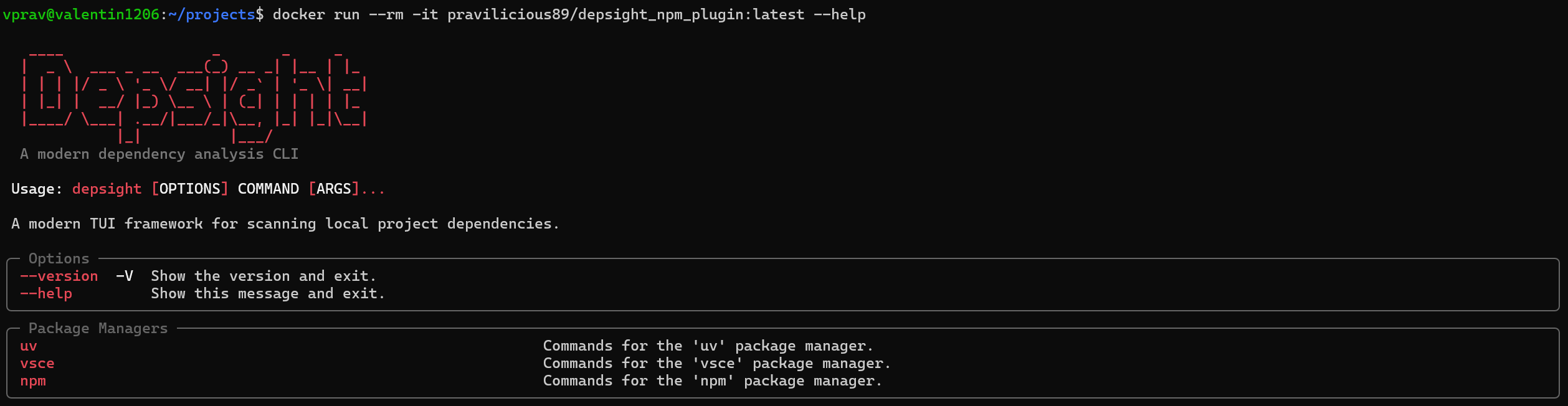
Your Depsight container should provide depsight as its entry-point, thus, the following command should display the general help message:
docker run --rm {YOUR_USERNAME}/depsight_npm_plugin:latest --help
To run a scan, the docker run command accepts its own flags before the image name, while everything after the image name is passed directly to the depsight entry-point:
docker run [DOCKER FLAGS] {YOUR_USERNAME}/depsight_npm_plugin:latest [DEPSIGHT ARGS]
Docker Flags
--rm— remove the container automatically after it exits to avoid accumulating stopped containers on your system.-v <host_path>:<container_path>— bind-mount a host directory into the container. You need two mounts:- The target project — mount the
fancy-fileserverdirectory into the container (e.g.-v "$(pwd)/fancy-fileserver:/project"). - The output directory — mount your local output directory to the container's data directory at
/home/depsight/.depsight/data(e.g.-v "$(pwd)/.depsight/data:/home/depsight/.depsight/data") so that CSV files written by--as-csvare persisted on your host machine and survive the container's removal.
- The target project — mount the
Depsight Entry-Point Arguments
<plugin> scan— selects the plugin (e.g.vsceornpm) and thescansub-command.--project-dir <container_path>— path inside the container to the mounted project directory (e.g.--project-dir /project).--as-csv— export the scan results to a CSV file written to the container's data directory.